%20(1).png)
%20(1).png)


Tips for Ensuring Secure Workspaces in Online Collaboration: Insights from Mobile Computer Services
Mobile Computer Services, a managed IT company in Wake Forest, understands the importance of online collaboration security for secure workspaces. As the world becomes increasingly digital, more businesses rely on online collaboration tools to communicate and work together. While these tools are convenient and efficient, they also present unique security challenges that businesses must address to ensure the safety of their data.
In this press release, Mobile Computer Services shares its expert tips for improving online collaboration security in the workplace.
%201.png)
The first step to improving online collaboration security is to secure the tools. Mobile Computer Services recommends using tools designed with security in mind, such as Microsoft Teams and Zoom, which offer end-to-end encryption and multi-factor authentication. Keeping these tools updated with the latest security patches and software updates is also essential.
Weak passwords are one of the most common causes of data breaches. To ensure online collaboration security, Mobile Computer Services recommends using strong passwords that are at least eight characters long and include a mix of upper and lowercase letters, numbers, and symbols. Password managers can also be used to store and generate strong passwords securely.
Access controls are an essential aspect of online collaboration security. Mobile Computer Services in Wake Forest suggests implementing access controls that limit access to sensitive data to only those who need it. This can be achieved using tools that offer granular access controls, such as SharePoint, which allows businesses to restrict access to specific files and folders.
Employees are often the weakest link when it comes to online collaboration security. Mobile Computer Services stresses the importance of educating employees on the risks associated with online collaboration and providing them with the knowledge and tools they need to stay safe. This includes training on how to recognize phishing scams, how to create strong passwords, and how to share and store sensitive data securely.
Monitoring your network is essential for maintaining online collaboration security. Mobile Computer Services recommends using network monitoring tools to detect and alert you to any suspicious activity on your network. This includes monitoring for unauthorized access attempts, unusual data transfers, and unusual login activity.
Online security threats constantly evolve, so staying up-to-date on the latest security threats and trends is essential. Mobile Computer Services suggests subscribing to security newsletters and following cybersecurity experts on social media to stay informed. This allows businesses to stay ahead of potential security threats and take proactive steps to protect their data.
Mobile Computer Services, a professionally managed IT services company serving small and medium-sized businesses in Wake Forest and surrounding areas, offers dedicated IT teams for efficiently managing and monitoring clients' IT operations. Proactively handling computer networks 24/7 alleviates technology-related challenges, enabling businesses to enhance profitability and concentrate on customer-centric activities.
%202.png)
Online collaboration tools are essential to modern business, but they also present unique security challenges that businesses must address to protect their data. By following the tips provided by Mobile Computer Services, businesses can improve their online collaboration security and create a more secure workspace.
For more information about improving online collaboration security, contact Mobile Computer Services at (919) 230-2900 or visit their website at https://www.ncmobilecomputerservices.com/contact/
Mobile Computer Services, Inc
3650 Rogers Rd Ste 213
Wake Forest, NC 27587
Mobile Computer Services: Why is password manager software important?
The Internet is filled with password-protected applications and websites today. Be it for shopping, booking a cinema ticket, internet banking, or paying bills, most websites/applications require their users to create an account and secure it with a login name and password. Clearly, it becomes cumbersome for the user to remember individual username-password combinations for each of their accounts. As a result, many users tend to repeat the same passwords to access different sites. This practice makes it easy for hackers to hack into their various accounts and create problems. Mobile Computer Services, a managed IT company in Wake Forest, talks about the benefits of using password managers to generate and store passwords.
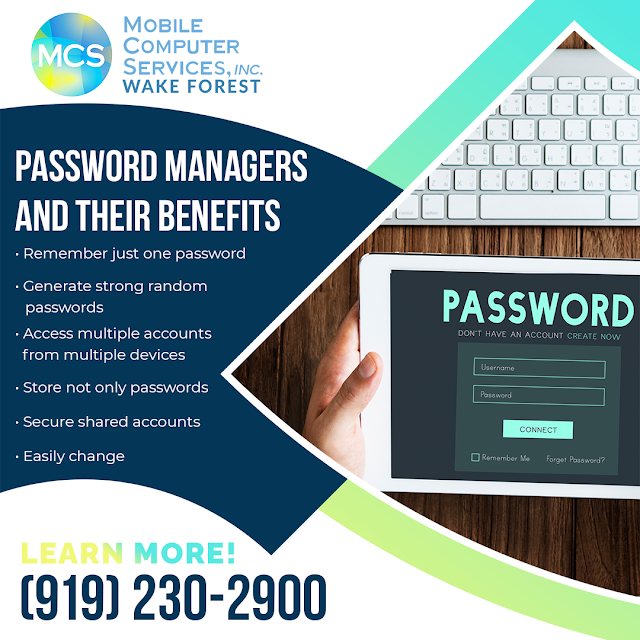
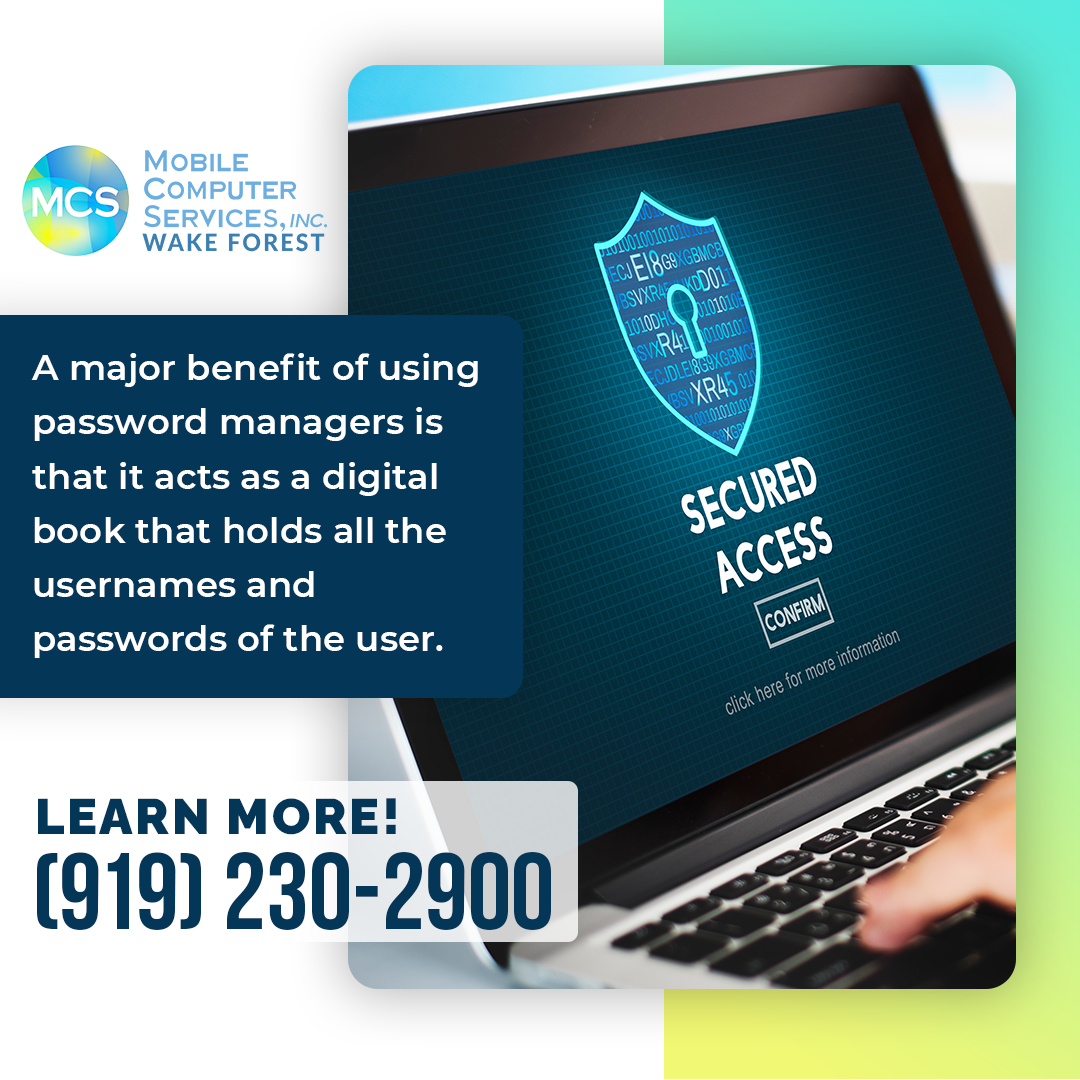
A major benefit of using password managers is that it acts as a digital book that holds all the usernames and passwords of the user. Users have to remember just one master password to log in to their password manager application. Keep in mind that this master password should ideally be a strong and memorable passphrase so that the details are not compromised even in the event of a data breach of the password manager server.
Password managers generate new passwords while creating new accounts on websites/ apps. These passwords will be strong and random and hence difficult to be cracked by a hacker algorithm.
Password managers can be added as browser extensions. Users just have to log in to the password manager, which can autofill the login pages. The passwords are stored securely in the password manager.
Many password managers also allow access from multiple devices. As most people nowadays use their mobile devices to browse the internet, password managers must work across different devices and provide support for mobile app logins.
Password managers are capable of storing data such as memberships, security questions, and profile details like name and phone number.
Sometimes shared accounts are used by a team so multiple people can log in to the same account for certain tasks. Example: a shared social media account of a company. Password managers can be used to control who has access to such shared accounts.
Further, some password managers can allow one person to manage a shared account and control the access without revealing the actual password to other members.
In case of a hack or even otherwise, changing passwords of various accounts is quick and easy with password managers. The password generator can easily generate new strong passwords for the accounts without the user having to remember them all.
Mobile Computer Services is a managed IT services company in Wake Forest, providing the complete package of IT Support, IT Consulting, Server IT Support, Network Services, Internet Security Services, Office Move Assistance, and Hardware as a Service for modern-day companies. MCS has an expert team that acts as your partner in security and guarantees decreased downtime and comprehensive and reliable network security.
Experience the most advanced defense against internet threats by contacting Mobile Computer Services, Inc. at Wake Forest now at (919) 230-2900.

%201.png)
%202.png)
%201.jpg)
%202.jpg)
.png)
.png)
.jpg)
.jpg)